If the role you want depends on presentation, persuasion or visible work, a 60–90 second video resume can make your application more memorable — when it’s used as a clear supplement to your written CV. Hiring managers increasingly accept richer application formats: a 2025 Canva survey found 50% supported video cover letters and 65% preferred resumes with interactive features such as links or embedded videos. That doesn’t mean every employer wants one, but when communicating or demonstrating work matters, a short, focused video adds context a PDF cannot.
What a video resume should do
Think of the video as a targeted pitch, not a read‑through of your CV. It should do three things quickly: introduce who you are and the role you want, highlight two or three achievements that prove you can do the job, and give a clear reason you’re interested in this employer. Keep the pace brisk — aim for 60–90 seconds and use the first 10–15 seconds to establish relevance.
Common formats
- Talking‑head: Direct-to-camera introduction and narrative. Fastest to produce and broadly useful.
- Portfolio‑style: Short intro with project clips or screenshots — ideal for designers, marketers and creatives.
- Narrated resume: Voiceover over footage or screen recordings — useful when demonstrating process or technical output matters more than appearing on camera.
Step 1 — Turn your CV into a spoken script
Start with the written resume and the job description. Pick two or three results that map directly to the role and rewrite them as short spoken lines. Lead with the outcome, then briefly explain how you achieved it. Spoken examples are more memorable when they include concrete results and simple language.
| Section | Timing | What to include |
|---|---|---|
| Introduction | 0–10s | Your name, target role, and strongest selling point |
| Experience | 10–50s | Two or three specific achievements, ideally measurable |
| Why this role | 50–70s | What interests you about the role or organization |
| Closing | 70–80s | Brief thank‑you and invitation to connect |
If you use an AI assistant to speed drafting, paste your CV and the job posting and ask for a 140–160 word spoken script that doesn’t invent accomplishments. Read the draft aloud and edit for conversational phrasing, short sentences and natural contractions.
Step 2 — Record with three priorities: framing, light, audio
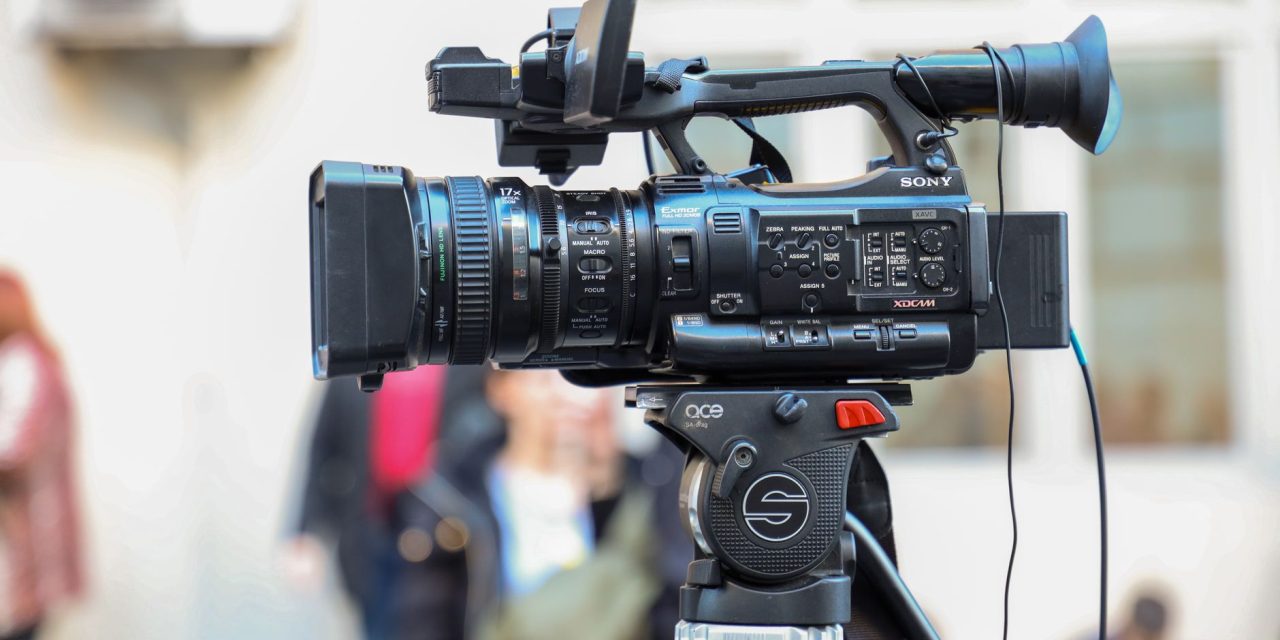
You don’t need studio gear. A modern phone or webcam will work if you control framing, lighting and sound.
- Framing: Camera at eye level, slight headroom, record horizontally (16:9) unless otherwise required.
- Lighting: Face a soft light source, avoid strong backlight that silhouettes your face.
- Audio: Use a quiet room. An external mic improves clarity, but a phone mic close to your mouth can be sufficient if you reduce ambient noise.
- Background: Keep it tidy and neutral: a plain wall, simple bookshelf or tidy desk; avoid distracting movement or clutter.
If you struggle to hold eye contact and remember lines, use a teleprompter mode in an editor or browser tool and place the text near the camera. Treat the script as a guide — aim for natural delivery rather than verbatim recitation.
Step 3 — Edit for clarity, not flair
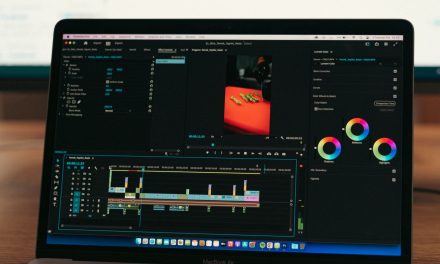
Editing should tighten rhythm, fix audio and add captions. Remove long pauses, filler words and repeated stumbles. Use short cuts between the best takes for each line if that improves delivery.
- Trim ruthlessly: Choose the clearest, most confident deliveries and keep momentum.
- Audio polish: Reduce background noise, normalize levels so your voice is consistent across devices.
- Captions and transcript: Many viewers watch without sound; captions improve accessibility and help screening tools index your content.
- Supporting visuals: For portfolio or narrated formats, include brief screen recordings, slides or screenshots that directly illustrate the achievement you mention.
Auto-edit tools can speed the process — use them to create a clean baseline, then adjust cuts and pacing manually so emphasis and tone feel human.
When to send a video — and when not to
Use a video resume when communication, presentation or demonstrable creative work is core to the job. Don’t replace your written CV: hiring systems and many recruiters still rely on keywords, dates and formal qualifications. If an employer specifies a written‑only process, follow their instructions.
Practical finishing checklist
- Keep a master file and a trimmed one‑minute version for shorter application fields.
- Include a short context line with the video link (role applied for and date).
- Attach a transcript and captions so screening tools and accessibility needs are met.
- Be mindful of privacy and legal considerations that may restrict sending video in some regions or sectors.
Start by drafting a focused 70–80 second script, film one or two confident takes, then edit to a tight 60–90 second cut with captions. Keep separate cuts: a concise talking‑head for quick recruiter views and a portfolio version with project clips for hiring managers who will evaluate work samples. What to watch next: confirm whether the employer accepts video, check length preferences, and make sure your ATS or applicant channels will accept an attached or linked file.